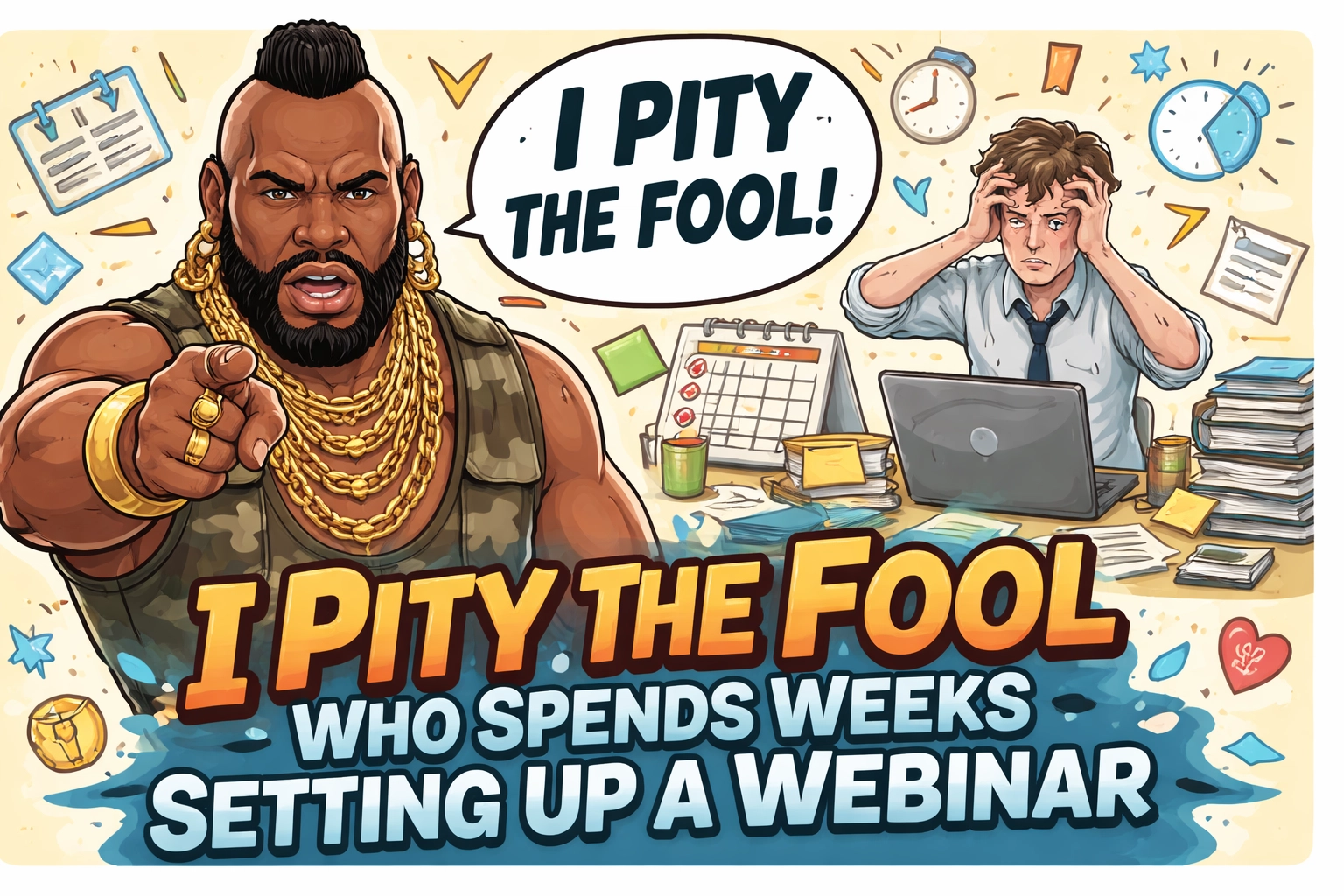
Let me guess.
You’ve been “planning” a webinar for months now.
You’ve got a Google Doc somewhere with topic ideas. Maybe a half-finished slide deck. And a growing list of reasons why you’re “not quite ready yet.”
Sound familiar?
Here’s what I hear from mortgage pros all the time:
- “I need a fancy webinar platform first.”
- “I’ll do it once my CRM automations are built.”
- “I’m waiting until I have the perfect system.”
Let me be blunt with you.
That’s the excuse talking.
And I pity the fool who lets “perfect” steal another year of opportunity.
The Lie We Tell Ourselves
Most people think hosting a webinar requires:
- A $200/month webinar platform
- Complicated email sequences
- Custom landing pages
- Pixel tracking
- A tech team on standby
And sure : if you’re running a massive product launch to 10,000 people, maybe.
But you’re not.
You’re a mortgage broker or loan officer trying to get 15-30 people on a call to build trust, answer questions, and generate some warm leads.
You don’t need a rocket ship.
You need a bicycle that works.

If You Have Zoom, You’re Ready
Here’s the truth nobody talks about:
A regular Zoom meeting (not the paid webinar add-on) can do almost everything you need.
I’m not making this up. Let me show you exactly what Zoom gives you for free or with your basic paid plan:
Registration Links
You can turn on registration for any Zoom meeting. This creates a simple signup page where people enter their name and email to reserve their spot.
No landing page builder required.
Automatic Email Collection
Every person who registers? Their info goes straight into Zoom. Name. Email. Done.
No Zapier. No integrations. No headaches.
Attendance Tracking
After the webinar, Zoom tells you:
- Who registered
- Who actually showed up
- Who bailed
This is gold for follow-up. You now know who’s warm and who needs a nudge.
Retention Reports
Here’s where it gets good.
Zoom shows you how long each person stayed on the call.
Did they bounce after 5 minutes? Or did they stay for the full 45?
This tells you who’s engaged and who’s just window shopping.
Excel Export
You can download everything into a spreadsheet. Names, emails, attendance, duration : all of it.
Perfect for importing into your CRM or just doing some old-school follow-up.
Up to 100 Attendees
Most Zoom plans let you have up to 100 people on a call.
Let’s be real : if you’re filling 100-seat webinars on your first try, you don’t need this blog post. You’re doing just fine.
For the rest of us? 100 seats is plenty.
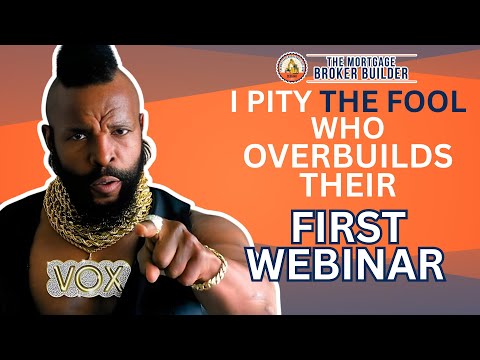
Watch Me Walk Through It
I put together a quick video showing exactly how this works.
No fluff. No theory. Just me clicking through Zoom so you can see:
- Using a regular Zoom meeting (not some expensive webinar plan)
- How to set up registration links that collect names + emails
- How to customize your branding with a header
- Where to find the reports/analytics (Meetings & Webinars history) so you can see who attended, join/leave times, and duration
- How to export it to Excel so you can follow up in your CRM
👉 Watch it here: https://www.youtube.com/watch?v=ajGSOobWPA0&pp=0gcJCYcKAYcqIYzv
It’s simple. It’s fast. And it proves you don’t need to spend a dime on fancy software to get started.
And remember the mantra:
Don’t let tech stop you. Done beats perfect. Do 10 webinars first — then build the fancy system.
Do 10 Ugly Ones First
Here’s my real advice:
You’re better off doing 10 simple, “ugly” webinars than spending 10 weeks building the “perfect” system.
Why?
Because your first webinar is going to be rough.
Your second one will be better.
By your fifth, you’ll actually know what works.
And by your tenth? You’ll have a system that’s actually based on experience : not some guru’s template you bought for $497.

The people who win at webinars aren’t the ones with the best tech stack.
They’re the ones who got their reps in.
What Should You Even Talk About?
I get this question a lot.
“John, I don’t know what topic to pick.”
Here’s a quick list to get your brain moving:
- First-Time Homebuyers: Walk them through the process. Answer the questions they’re afraid to ask.
- Real Estate Agents: Show them how to get deals closed faster with a solid lending partner.
- Self-Employed Borrowers: Explain how bank statement loans and non-QM products work.
- DSCR for Investors: Break down how rental income qualifies for financing.
- Credit Repair Basics: Help people understand what moves the needle before they apply.
Pick one. Set a date. Promote it for 5-7 days. Show up and teach.
That’s it.
The Real Reason You’re Stalling
Let’s get honest for a second.
The fancy platform excuse? The automation excuse? The “I need my CRM perfect first” excuse?
Those aren’t the real reason you haven’t done a webinar.
The real reason is fear.
Fear of looking dumb. Fear of nobody showing up. Fear of tech failing. Fear of not being “expert enough.”
I get it.
But here’s the thing:
The people who need your help don’t need you to be perfect.
They need you to show up.
They need someone who actually knows this stuff to explain it in plain English.
That’s you.
So stop hiding behind “I’m not ready.”
You’ve closed loans. You’ve helped families buy homes. You’ve navigated rate changes, underwriting nightmares, and last-minute conditions.
You can handle a 30-minute Zoom call with 12 people.

Done Beats Perfect
I’ll say it again because it matters:
Done beats perfect.
Every. Single. Time.
The broker who does a “good enough” webinar this week will learn more than the broker who spends three months building the “ultimate webinar funnel.”
Action creates clarity.
Planning creates paralysis.
Your Action Step (Do This Today)
If you’ve been sitting on a webinar idea, here’s what I want you to do:
- Pick a topic. First-time buyers, agents, investors, DSCR : doesn’t matter.
- Set the date. This week or next. Put it on the calendar.
- Create the Zoom meeting with registration turned on.
- Send the link to your database. Email, text, social : whatever you’ve got.
- Show up and teach.
That’s the whole system.
No $500 software. No 47-step automation. No excuses.
Need Help Getting Started?
Look : I know this stuff can feel overwhelming the first time.
If you want help picking a topic or structuring your first webinar, shoot me a DM.
I’ll help you get your poop in a group so you can stop planning and start doing.
Because at the end of the day, webinars aren’t about technology.
They’re about connection.
And you can’t connect with people you never invite to the call.
Are Webinars Part of Your 2026 Game Plan?
They should be.
Webinars build trust faster than cold calls. They position you as the expert. And they give you a warm list of people who actually want to hear from you.
But only if you actually do them.
So stop waiting for perfect.
Set the date. Send the invite. Show up.
I pity the fool who waits another year.